CCheela CaféRestaurant command center
One system. Every restaurant operation.

Run a calmer,
smarter restaurant.

From the first table order to the final profit report, Cheela Café keeps your counter, waiters, kitchen, recipes and inventory working from one reliable source of truth.

✓ Role-based access✓ Automatic stock deduction✓ Works on mobile & laptop
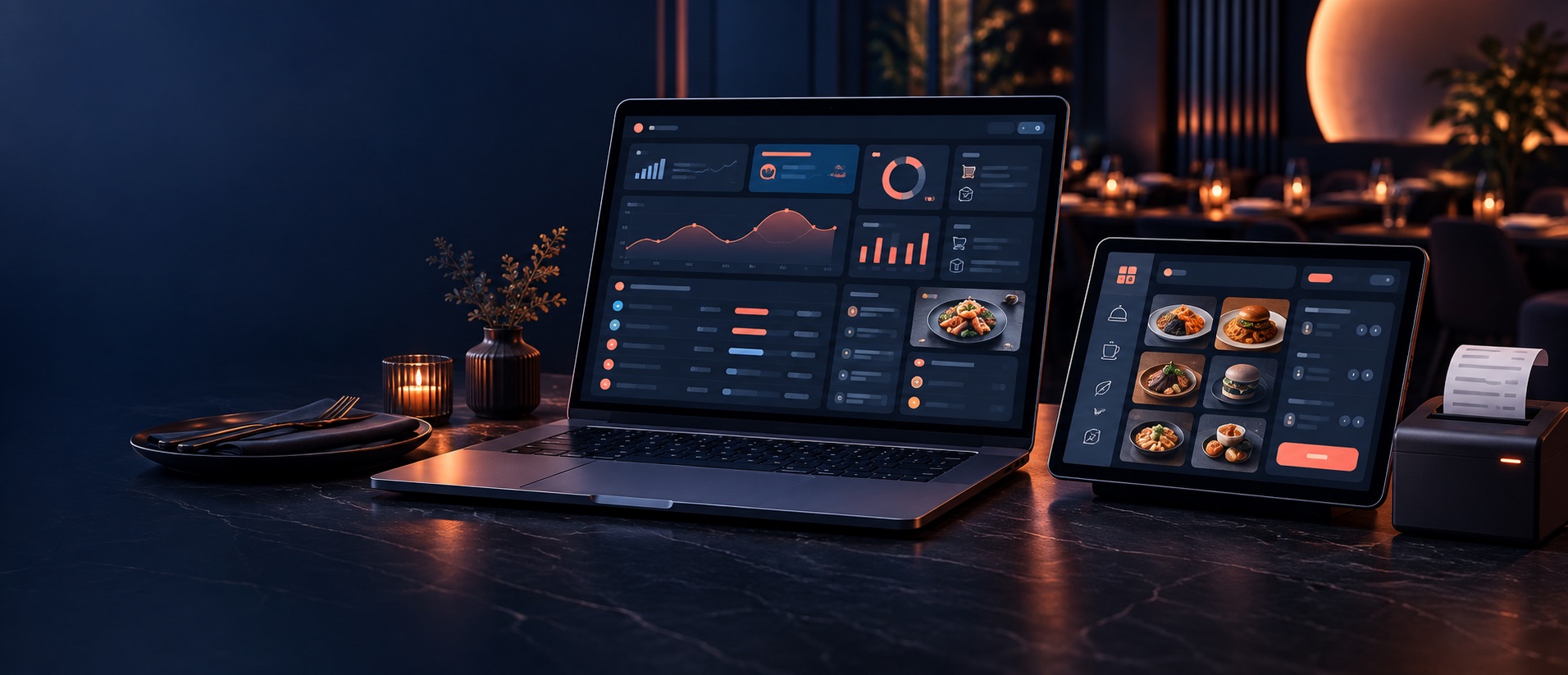
Restaurant management dashboard and ordering system shown on a laptop and tablet
Live operationsCounter to kitchenOne connected workflow

Built around the way a real restaurant actually runs

5 team roles1 connected workflowLive stock controlExact recipe costing
Complete command center

Everything your team needs.
Nothing they don’t.

Each screen is designed around one clear job, so the owner sees the business while every team member sees exactly what they need for their shift.

Point of sale

Fast, visual order taking

Search the menu, filter by category, tap items into the cart and handle takeaway, table service, discounts and multiple payment methods without slowing the counter.

  • Touch-friendly menu cards
  • Table and takeaway orders
  • Clear bill preview and totals
Kitchen

Orders the kitchen can follow

Send new orders and add-ons into a focused kitchen queue, routed by print section with clear item notes and ticket history.

Inventory

Stock that updates itself

Confirmed sales deduct their exact recipe ingredients automatically. Low-stock warnings make purchasing proactive.

Recipes & costing

Know what every plate costs

Build per-serving or master recipes, scale Full, Half and Quarter portions, and protect confidential recipe handovers.

Business intelligence

Profit, not guesswork

See sales, COGS, gross profit, expenses, net profit, payment mix and item-level performance in a daily view.

Beverages

Pack-to-bottle accuracy

Receive crates and supplier packs while the system converts them into saleable bottle or can stock automatically.

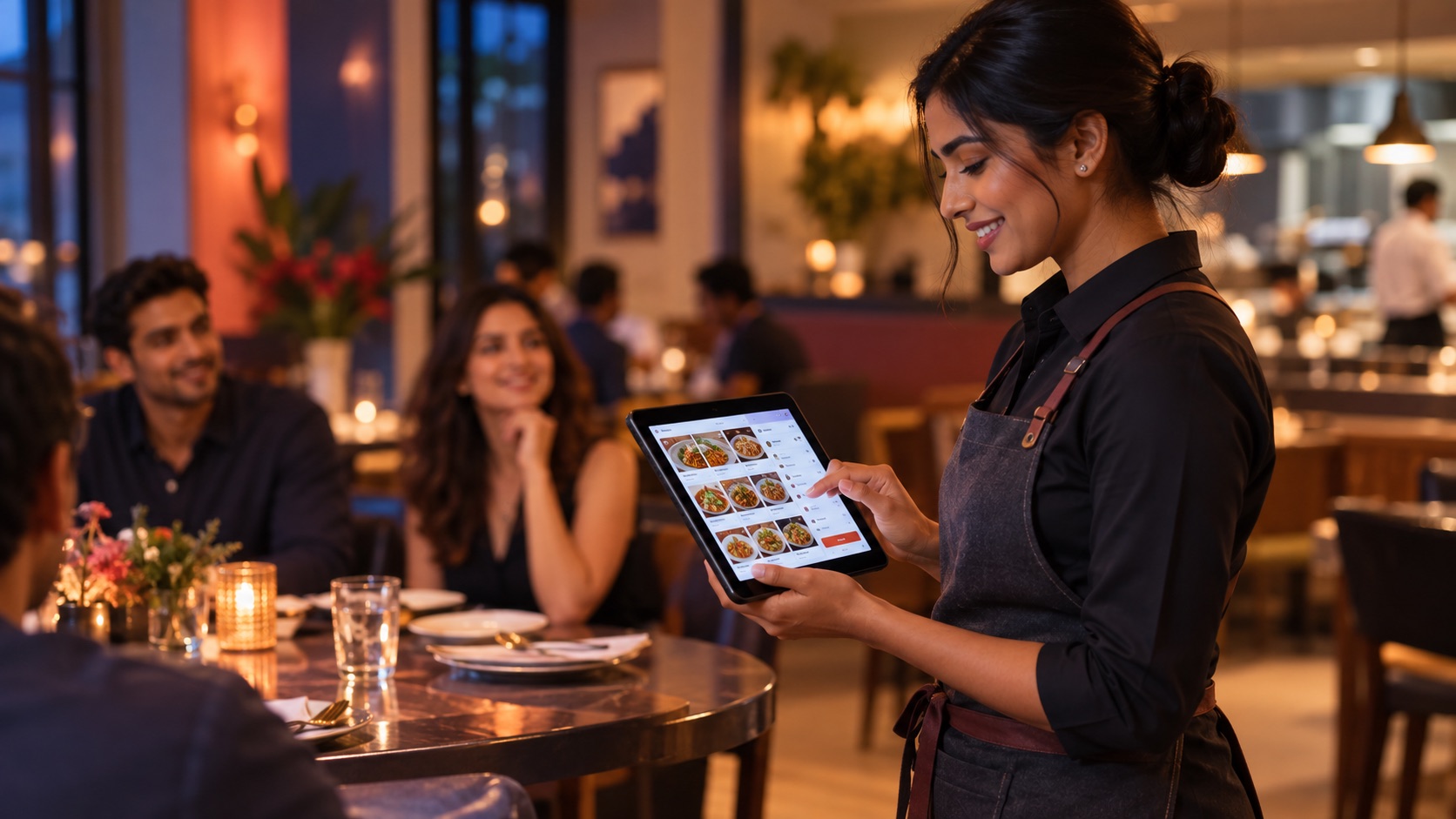
Restaurant server taking a table order on a tablet

An order flow your team learns in minutes.

Waiters can take table orders from a phone or tablet, send them straight to the kitchen, then reopen a running table to add more items. The cashier completes payment when guests are ready.

  1. 01
    Find and tapVisual menu and quick category filters keep the full catalog easy to navigate.
  2. 02
    Select the tableItem notes and a whole-order note carry the right detail to the kitchen.
  3. 03
    Send and keep servingRunning orders remain accessible for add-ons until the cashier closes the bill.
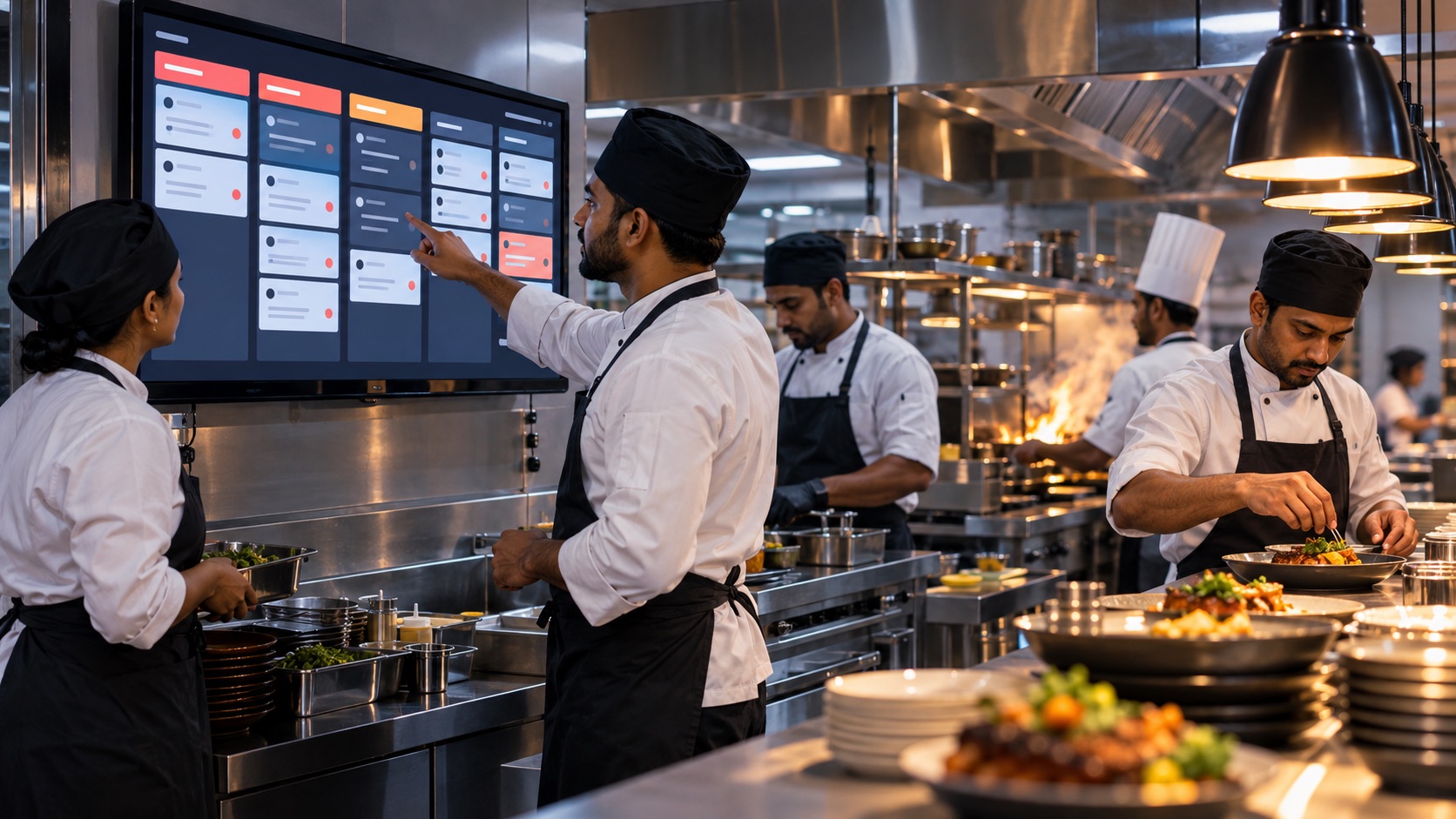
Restaurant kitchen team coordinating from a digital order display

The kitchen gets clarity. The owner gets control.

Order batches preserve exactly what was sent and when. Behind every confirmed sale, stock consumption, ingredient cost and profitability are recorded together—without extra data entry.

Atomic stock deductionIf an ingredient is short, the whole order stops safely—never a half-saved sale.
Oversell protectionDatabase locking protects stock even when simultaneous orders arrive.
Exact void reversalControlled voids restore the original stock and historical value accurately.
Offline-first operationsRestaurant LAN deployment keeps service running through internet interruptions.
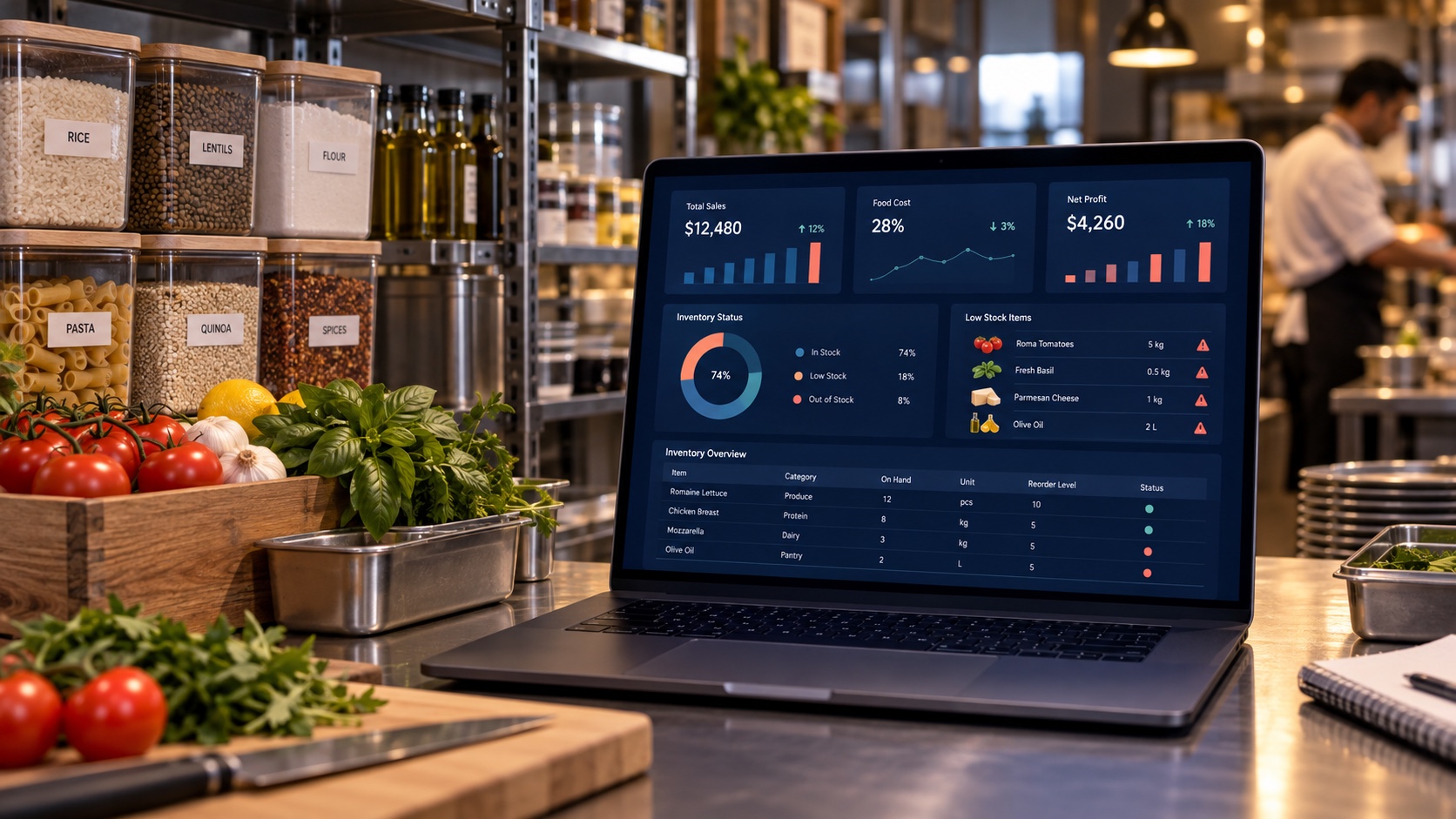
Restaurant inventory and profit dashboard beside organized ingredients

See what you have, what it costs, and what is working.

Purchases, recipes, sales and expenses meet in one dependable reporting layer. Your team can spot low stock before service, while owners can follow food cost and profit without rebuilding the numbers in a spreadsheet.

01Receive accuratelyRecord supplier purchases, partial payments and pack-to-unit conversions.
02Consume automaticallyEvery confirmed plate deducts the exact ingredients defined in its recipe.
03Review confidentlySales, COGS, expenses and net profit stay connected to the same activity.
Right view. Right person.

One platform, shaped for every role.

Access is deliberately separated, so staff get a focused workspace and sensitive business controls stay protected.

Owner

Full business overview, staff access, settings and audit control.

Manager

Day-to-day operations, recipes, stock, purchases and reports.

Cashier

Fast checkout, order tracking and payment completion.

Waiter

Mobile table ordering, add-ons and running order tracking.

Kitchen

Focused order tickets and essential stock visibility.

Built for operational truth.

Cheela Café HMS is not a generic billing screen with inventory added later. It is a restaurant operations system built around the relationship between a sold menu item, its real recipe, the stock it consumes and the profit it creates.

That connection gives owners a more dependable picture of the business, gives teams fewer manual steps and keeps every movement traceable—from purchase receiving through sale, costing and controlled reversal.

Your shift starts here.

Sign in with the account assigned by your restaurant administrator. Your role automatically opens the correct workspace.

Encrypted sessionRate-limited loginAutomatic expiry
Team login

Welcome back

Enter your workspace credentials.

✓Your session is protected and automatically expires.

Need access or help with your workspace?

For account creation, role changes, menu onboarding or deployment support, contact your Cheela Café system administrator.

Talk to your administratorThey can create your account, reset access and route technical support.
Go to team login →